






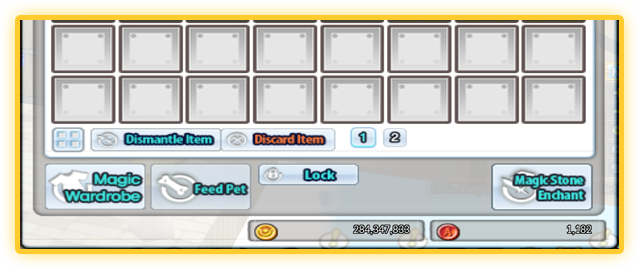
1. Enter Magic Wardrobe at the bottom of the Inventory UI
2. Click the Store Look button located at the bottom of the Magic Wardrobe UI.
 Store Button |  Store Mouse Icon |
| 3. | Click on the Accessory you want to store. The item must be in the inventory to be stored. |
| A stored item becomes a Hanger Item and will look like this: |

| 4. | To Apply the Look, select a stored item in Magic Wardrobe, |
| Then click “Apply Look” on the bottom of the Magic Wardrobe UI. |
 Apply Button |  Apply Mouse Icon |
|
*Apply button only works on stored items *Apply button only work on items that are of the same parts Ex) Face Accessory (Top)->Face Accessory (Top) |